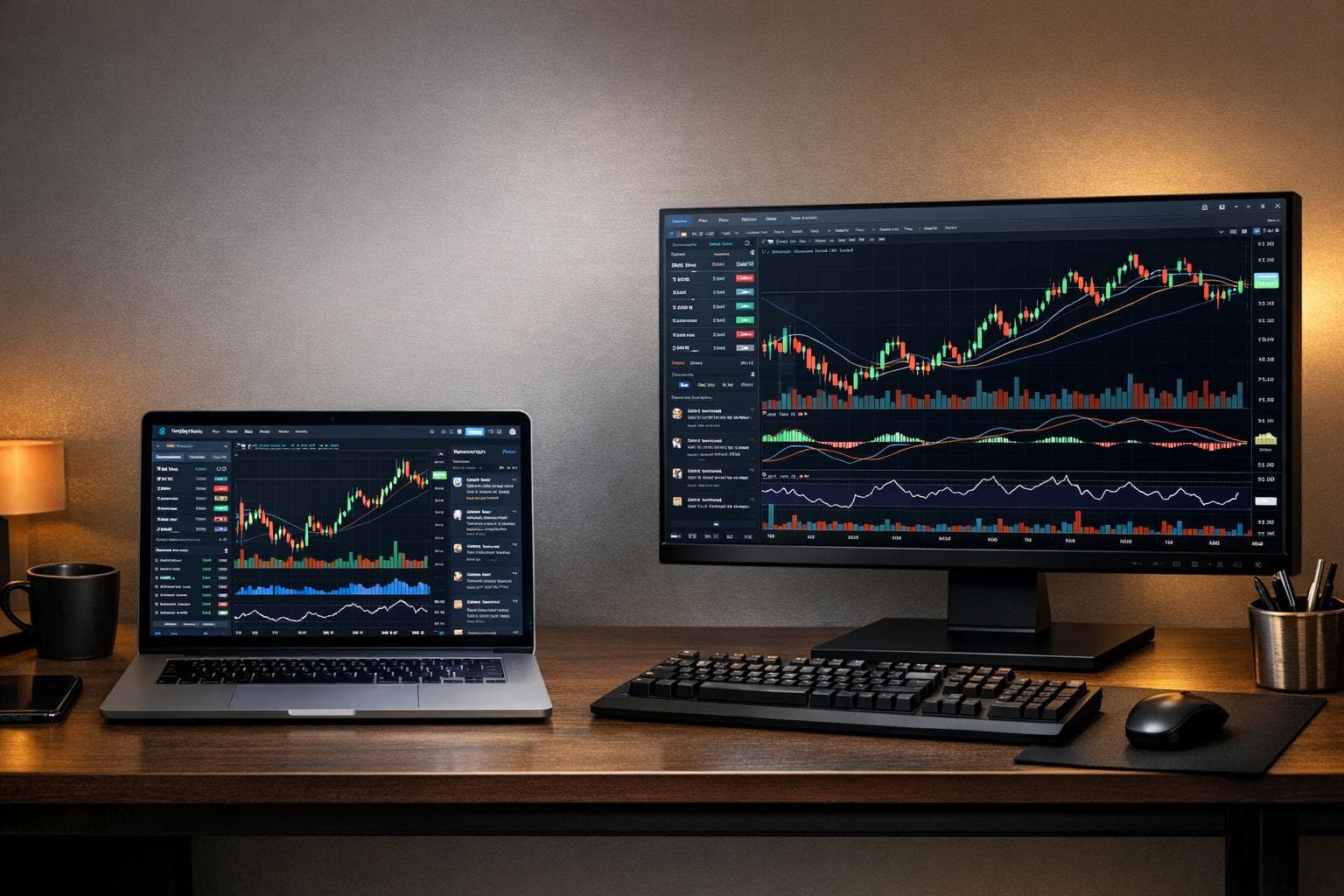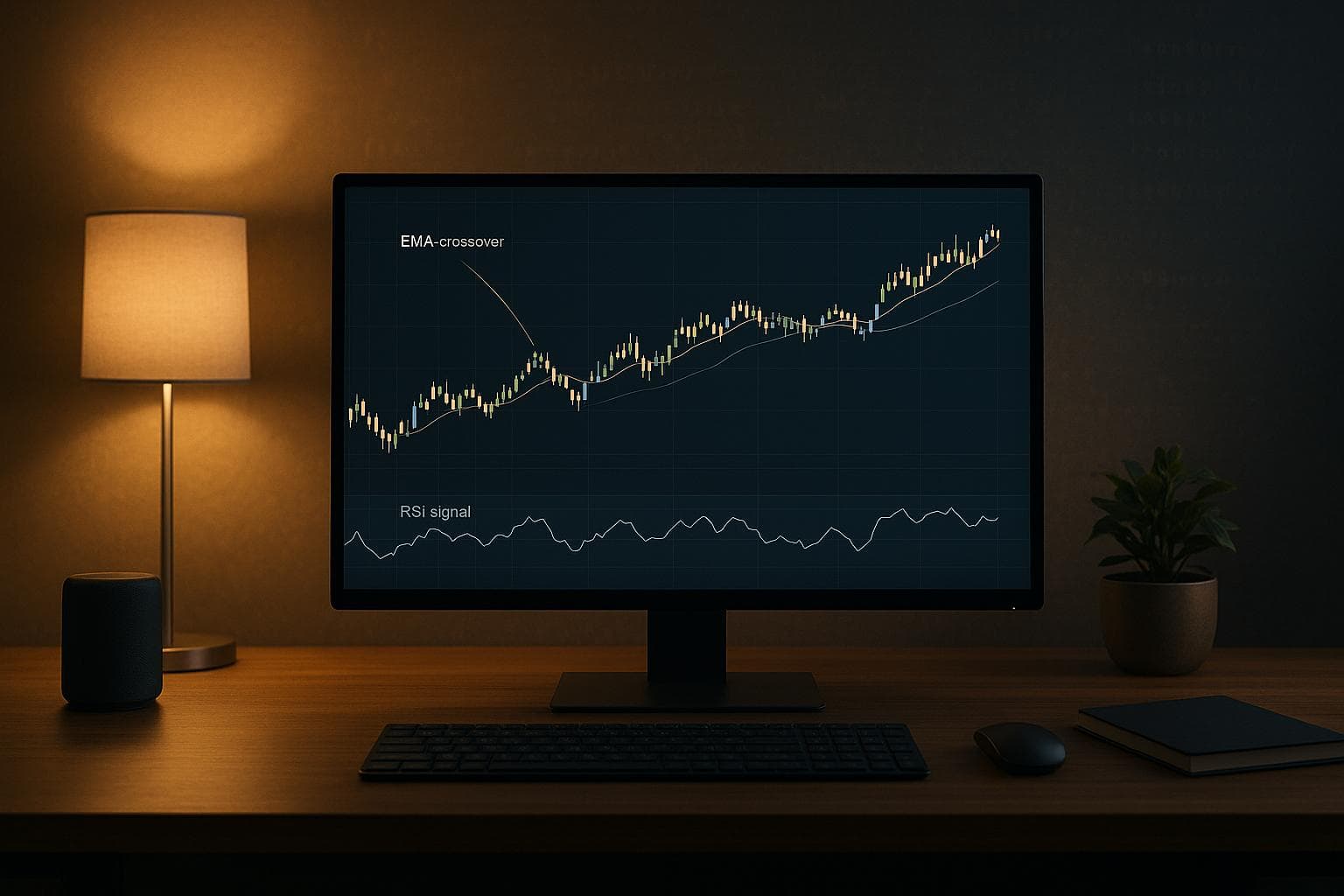
A Webull trading bot automates trading on the Webull platform using pre-set strategies like EMA crossovers, RSI, and ATR-based stop-losses. These bots execute trades faster than humans, eliminate emotional biases, and handle multiple assets simultaneously. To set up, you’ll need Python (3.7+), Webull’s APIs, a reliable computer (or VPS), and a low-latency internet connection. Testing through backtesting and paper trading ensures reliability before live deployment. High-performance hardware, such as systems from DayTradingComputers, can minimize delays and improve execution speed.
Key steps:
- Hardware: Use a powerful PC or VPS for real-time data processing and low latency.
- Setup: Configure Webull Desktop for bot integration and create multi-monitor layouts for better tracking.
- Programming: Install Python, Webull SDKs, and libraries like pandas and TA-Lib to code strategies.
- Strategies: Implement EMA crossovers, RSI thresholds, and ATR stop-losses.
- Testing: Backtest with historical data and paper trade to refine performance.
- Monitoring: Use real-time logs and alerts to track execution and troubleshoot issues.
Trading Stocks in Webull Using Python | Webull Stock Trading

Hardware Requirements for Running Webull Trading Bots

DayTradingComputers PC Models Comparison for Webull Trading Bots
Running a Webull trading bot demands reliable and powerful hardware. The performance of your computer directly affects how efficiently your bot processes market data, calculates trading signals, and communicates with the Webull API. A high-performance setup ensures your bot can handle real-time data streams, execute strategies based on price movements, and operate continuously with minimal interruptions. For such tasks, investing in a tailored PC is crucial.
Your system needs to process live market updates, compute technical indicators, and send orders with as little delay as possible. Even a slight delay – measured in milliseconds – between identifying a trading opportunity and executing the order can result in slippage, where the executed price differs from the intended one. Since these bots constantly interact with Webull’s servers to exchange data and send orders, a low-latency internet connection is key. This ensures your bot reacts to market changes almost instantly, giving it a competitive edge.
For traders who monitor multiple aspects of their bot’s performance, multi-monitor support can be a game-changer. A system capable of managing multiple displays allows you to track logs, charts, and performance metrics simultaneously without compromising efficiency.
This specialized hardware lays the groundwork for a smooth Webull trading bot setup, making the integration and configuration process more seamless.
DayTradingComputers PC Options
DayTradingComputers offers three custom-built systems designed specifically for automated trading. These systems cater to various levels of trading complexity:
- Lite model: Priced at $3,569.00, this model includes an NVIDIA GeForce RTX 3070 Ti SUPER, 32GB DDR5 RAM, an AMD Ryzen 5600X processor, and a 1TB NVMe SSD. It supports up to two monitors.
- Pro model: At $4,569.00, this version upgrades to an RTX 4070 Ti SUPER, 64GB DDR5 RAM, an AMD Ryzen 7900X processor, and 2TB of storage.
- Ultra model: For $5,569.00, this top-tier system offers an RTX 4090 SUPER, 128GB DDR5 RAM, an AMD Ryzen 9800X3D processor, and a 4TB NVMe SSD.
All three systems come pre-installed with Windows 11 and are optimized for ultra-low latency performance. The combination of cutting-edge processors and generous memory ensures smooth execution of trading algorithms, real-time logging, and uninterrupted market data processing. These systems provide a solid foundation for running your Webull trading bot with minimal delays.
Setting Up Webull Desktop for Bot Integration
To prepare Webull Desktop for bot integration, start by selecting "New Layout" to create a fresh workspace. The desktop version of Webull offers far more flexibility compared to the browser version, making it the go-to choice for active traders.
Begin by adding and resizing the Chart widget as the centerpiece of your display. Remove any default indicators to avoid overlapping with your bot’s analysis. Enable Extended Hours in the chart settings to keep tabs on pre-market and after-hours activity. For better focus on price movement, use a neutral background (black or gray) and turn off grid lines.
Next, include a Watchlist widget and simplify it to display only key columns like Symbol and Name. Stack the Trade widget (Classic) directly below the Watchlist to save screen space. Add a Positions widget as well, and configure it to show data for "Selected Security" instead of "All Accounts." Link the Positions widget to the same group as the chart and Watchlist so updates stay synchronized. Customize the columns to show Symbol, Open P&L, and Day’s Realized P&L for real-time performance tracking.
Once everything is set, save your layout as "Bot Trading Setup" to lock in your configuration. If you’re working with multiple monitors, go to the "Window" toolbar and select "Create a new Window" to place additional charts or tools on your secondary screens. This setup is particularly useful for keeping an eye on multiple aspects of your trading strategy.
Setting Up Multi-Monitor Layouts and Indicators
For more detailed monitoring, consider a multi-monitor setup. This approach allows you to track your bot’s price action strategies with greater precision. Use the "Window" toolbar to create a new window for each monitor. For instance, you could dedicate your main screen to primary charts and Watchlists, use a second monitor for additional timeframes or correlated assets, and reserve a third for position tracking and order flow analysis.
Each window can be customized using Webull’s modular widgets. With the Chart widget in Webull Desktop 9.0, you can build a tailored command center by adding technical indicators, setting alerts, and arranging chart layouts. Even though your bot handles most of the calculations, displaying the same indicators on-screen ensures you can verify that it’s aligned with current market conditions.
For price action strategies, set up your charts to include essential indicators like EMA lines, RSI, and ATR – parameters your bot relies on for decision-making. To add these, right-click on the chart, select "Chart Settings," and configure the indicators to match your strategy. For example, display EMA lines that align with your bot’s approach for seamless tracking.
Save each customized layout with clear names such as "Primary Chart", "Secondary Timeframes", or "Position Monitor." These layouts sync across devices through Webull’s system, making it easier to manage your setup from different computers.
Installing Your Webull Trading Bot
To get started with your Webull trading bot, you’ll need Python 3.7 or later. You can download it from python.org. During installation, make sure to add Python to your system PATH. Python’s versatility and access to financial libraries like pandas, NumPy, and TA-Lib make it an excellent choice for trading bot development.
It’s a good idea to create a virtual environment for your project. This keeps your bot’s dependencies separate from other projects, making it easier to manage and troubleshoot. To set one up, use the command:
python -m venv webull_bot_env Activate the environment before proceeding. This will ensure that all dependencies are installed in an isolated space.
Installing Python and Required Libraries
Once your virtual environment is active, you’ll need to install the Webull Python SDKs. These SDKs allow your bot to interact with Webull’s trading and market data services. Run the following commands one at a time:
pip3 install --upgrade webull-python-sdk-core pip3 install --upgrade webull-python-sdk-quotes-core pip3 install --upgrade webull-python-sdk-mdata pip3 install --upgrade webull-python-sdk-trade-events-core pip3 install --upgrade webull-python-sdk-trade These libraries handle essential tasks like fetching real-time quotes, placing trades, and tracking order statuses. You’ll also need some general-purpose trading libraries for data manipulation and technical analysis. Install them with:
pip install pandas numpy yfinance ta These tools will help your bot handle large datasets and perform calculations for price action strategies.
To connect your bot to Webull, you’ll need API credentials. Log in to your Webull account, head to the account center, and go to "API Management." Under "My Application", apply for API services and create a new application. Once approved, click "Generate Key" to get your app key and app secret. These credentials are required to authenticate your bot with Webull’s servers. By default, the credentials are valid for 24 hours, but you can adjust this setting. For security, store these keys in a .env file in your project’s root directory instead of embedding them directly in your code.
If you’re using an open-source framework like LukeWang01’s "Program-Trading-Based-on-Webull" from GitHub, clone the repository with:
git clone https://github.com/LukeWang01/Program-Trading-Based-on-Webull.git Then, install its specific dependencies using:
pip install -r requirements.txt This framework is a great starting point, as it integrates market data from Webull and Yahoo! Finance and provides a foundation for building custom trading strategies.
Once everything is set up, you’re ready to move on to configuring your bot’s price action strategies.
sbb-itb-24dd98f
Configuring Price Action Strategies in Your Bot
To automate price action decisions, you’ll need to integrate trading logic into your bot. Price action strategies rely on technical indicators to pinpoint entry and exit points, and these rules must be coded directly into your bot’s Python files. Let’s walk through how to set this up effectively.
Setting Up EMA Crossover, RSI, and ATR Stop-Loss
Start by defining the core signals. For an EMA crossover, calculate a 9-period and a 21-period EMA. When the faster EMA (9-period) crosses above the slower EMA (21-period), your bot generates a buy signal. Conversely, when the fast EMA crosses below the slow EMA, it signals a sell. You can compute these values in your Python script using functions like talib.EMA().
For RSI (Relative Strength Index), use a threshold-based approach to identify market reversals. Program the bot to trigger a buy signal when the RSI falls below 30 (indicating oversold conditions) and a sell signal when it rises above 70 (indicating overbought conditions).
To manage risk, implement ATR-based stop-loss rules. The Average True Range (ATR) measures market volatility, allowing you to set dynamic stop-loss levels. Wider stop-losses can be used during volatile periods, while tighter ones are better for calmer markets. Code your bot to place a stop-loss at twice the ATR below the entry price. This ensures the bot can monitor each position and automatically exit when the stop-loss is hit.
Editing settings.json for Watchlists and Risk Parameters
Once your trade signals are defined, it’s time to configure your bot’s watchlists and risk parameters. Instead of relying on a standard settings.json file, use a configuration file like config.py to manage these settings. In this file, specify the securities your bot should track by listing ticker symbols such as ["AAPL", "TSLA", "NVDA"]. This ensures your bot fetches real-time data only for the stocks in your watchlist.
For risk management, set rules like position sizing, maximum loss per trade, and daily loss limits. For example, you might restrict each trade to 2% of your account balance or cap total daily losses at $500.00. Storing these parameters in a configuration file makes it easy to adjust risk levels as market conditions change, keeping your strategy flexible and effective.
Using DayTradingComputers Hardware for Better Performance
When it comes to price action trading, speed isn’t just an advantage – it’s a necessity. Even a few milliseconds of delay can mean missed trades and increased slippage, which directly impacts profitability. Industry experts emphasize this point:
"In profitable trading, execution speed plays a vital role. AI trading software that faces API delays may miss profitable opportunities, and all that leads to loss. In high-frequency trading, every second matters, and sometimes, a delay of a few milliseconds can result in missed arbitrage opportunities or increased slippage." – Amplework Blog
DayTradingComputers systems are built with this urgency in mind. Designed for low-latency performance, these systems ensure your trading bot operates smoothly, even when markets are at their most volatile – like during market openings or earnings reports. Their ability to auto-scale processing power based on trading activity keeps your bot running efficiently, whether it’s recalculating stop-loss levels or adjusting position sizes in real time. This adaptability is crucial for staying ahead in fast-moving markets.
VPS Deployment and Low-Latency Setup
Pairing advanced hardware with a dedicated VPS takes your trading setup to the next level. A VPS ensures uninterrupted, 24/7 operation, which is critical for price action bots that need to monitor markets and execute trades around the clock. DayTradingComputers provides VPS services optimized for reliability, reducing risks from power outages or internet disruptions.
To get the most out of your VPS, focus on minimizing latency. Here are some practical tips:
- Limit VPS processes to essential tasks by disabling unnecessary background applications.
- Schedule system updates during non-trading hours to avoid interruptions.
- Use a wired Ethernet connection instead of Wi-Fi for a more stable and faster connection.
- Choose a VPS location that’s geographically close to your broker’s servers to reduce network delays.
Testing and Deploying Your Price Action Bot
Once your low-latency hardware is set up, the next step is to rigorously test your bot to ensure it performs reliably. Before risking any real money, take your bot through backtesting and paper trading to iron out potential issues.
Backtesting with Historical Data and Paper Trading
Start by defining clear entry and exit rules for your strategy – like EMA crossovers, RSI thresholds, or ATR-based stop-losses. To simulate trades, your bot will need historical price data. Python libraries such as yfinance can help you access this data efficiently.
Tools like Lumibot make backtesting Python-based bots easier. You can define your strategy and use its backtest method, specifying details like the data source (e.g., YahooDataBacktesting), backtesting period, initial budget, and a benchmark asset for comparison. After running your backtest, focus on analyzing key metrics such as win/loss ratio, maximum drawdown, profit factor, and Sharpe ratio.
But don’t get too comfortable with perfect results. As Shishu Bedi, CEO of Option Circle, points out:
"For too long, retail traders have been forced to rely on intuition and surface-level data. The pros, however, test everything."
A strategy that seems flawless on historical data may be overfitted and struggle under changing market conditions.
Once backtesting looks solid, move to paper trading. This step simulates live trading without using real money, allowing you to verify that your bot executes trades correctly and that stop-losses and take-profits trigger as expected. It’s a critical checkpoint to confirm that your price action rules and risk parameters are functioning as intended. When you’re ready to go live, start with a small amount of capital to minimize risk while gaining confidence in your bot’s performance.
After thorough testing, shift your attention to monitoring and analyzing your bot’s execution in real time.
Monitoring Logs and Execution Flow
Constant monitoring is essential. Markets evolve, APIs change, and bugs can emerge. Build logging into your bot to track every action, decision, and API interaction. Set up real-time alerts – via email or Telegram – to notify you about trades or errors as they happen.
For real-time trade event tracking, you can use Webull’s OpenAPI SDKs through events-api.webull.com. In Python, set client.on_log in the EventsClient to capture logs and display messages with logging levels. For Java, implement logger.info("Received trade event={}", response.getPayload()); to log the full event payloads.
Pay close attention to API error responses. For example, if you submit a duplicate client_order_id, Webull might return an error like {"error_code": "TRADE_PLACE_ORDER_REPEAT", "message": "The order existed"}. These error codes are invaluable for diagnosing issues and refining your bot’s logic. Regularly reviewing logs can help you catch issues like slippage, execution delays, or unexpected behavior before they affect your trading results.
Thorough validation and continuous monitoring are key to making the most of your automated trading system.
Conclusion
By implementing the strategies and configurations outlined earlier, a Webull trading bot can bring the precision and speed needed to take advantage of market movements automatically. Using Python-based automation alongside high-performance hardware enables you to execute trades based on EMA crossovers, RSI signals, and ATR stop-losses, all while minimizing latency for dependable performance.
In trading, speed matters. Those split seconds can mean the difference between capturing a profit or missing out entirely. This is where specialized trading hardware comes into play, cutting down those critical milliseconds to give you an edge.
DayTradingComputers systems provide the power and reliability required for high-speed trading. They’re built to handle the demands of running complex bots, processing real-time data streams, and supporting multi-monitor setups for better oversight. Whether you’re operating locally or through a VPS, having the right hardware ensures your bot performs seamlessly – even during volatile market swings.
To stay ahead, keep refining your approach. Backtesting, paper trading, and monitoring logs are essential for adjusting to shifting market dynamics. With the right mix of automation tools and solid hardware, you can create a trading system that reacts to price changes faster and more consistently than manual trading ever could. Keep evolving your setup to maintain your edge in the ever-changing markets.
FAQs
What are the main advantages of using a Webull trading bot for automated trading?
Using a Webull trading bot comes with several benefits that can make trading more efficient and less stressful. For starters, it allows for automated trade execution based on pre-set strategies. This ensures decisions are consistent and free from the emotional ups and downs that often cloud judgment.
The bot also analyzes real-time market data, spotting trends and reacting to price changes with speed and accuracy. This kind of automation isn’t just about convenience – it’s about making decisions faster than any human could.
On top of that, it takes care of repetitive tasks, freeing up your time to fine-tune your strategies or explore new opportunities. By automating these processes, you can stay efficient and adapt quickly to the ever-changing market landscape.
How can I reduce latency when using a Webull trading bot?
To keep your Webull trading bot running as quickly as possible, focus on a few critical steps. First, use direct API integration with Webull to ensure faster communication. Hosting your bot on a low-latency server near Webull’s data centers can significantly cut down on transmission delays. Streamline your code by removing any unnecessary processing tasks and limiting the volume of data requests during trading sessions. It’s also important to regularly test your network connection and keep an eye on API response times to ensure everything runs smoothly. Staying on top of updates and maintaining an efficient setup is essential for achieving quicker trade execution.
What are the best strategies to use with a Webull trading bot for automated trading?
To get the most out of your Webull trading bot, concentrate on strategies that take advantage of market patterns and technical indicators like the Relative Strength Index (RSI) or moving averages. These tools can help your bot identify potential trends and make smarter trading decisions.
Make sure to use backtesting to refine your strategies. By testing them against historical data, you can see how they perform under various market conditions and make adjustments as needed. This step is crucial for minimizing risks and maximizing performance.
Integrating real-time data is another key element. It allows your bot to respond quickly to market changes. Additionally, consider using adaptive algorithms, such as reinforcement learning, which enable your bot to adjust its behavior as market trends evolve. This can enhance both the accuracy and efficiency of your automated trading system.